When you log in for the first time, you’ll land on an empty timeline. That’s normal — your node is a private space, and nothing shows up until you connect with people or post something yourself. Before you do either, it’s worth spending a few minutes in the admin panel.
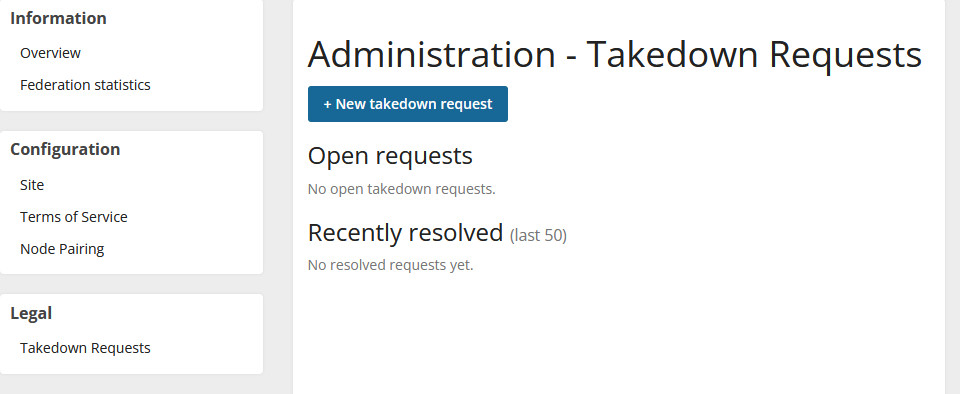
You can get there any time at [yournodename].udp.social/admin. You can also select “Admin” from the dropdown (Desktop) or your user menu (Mobile).
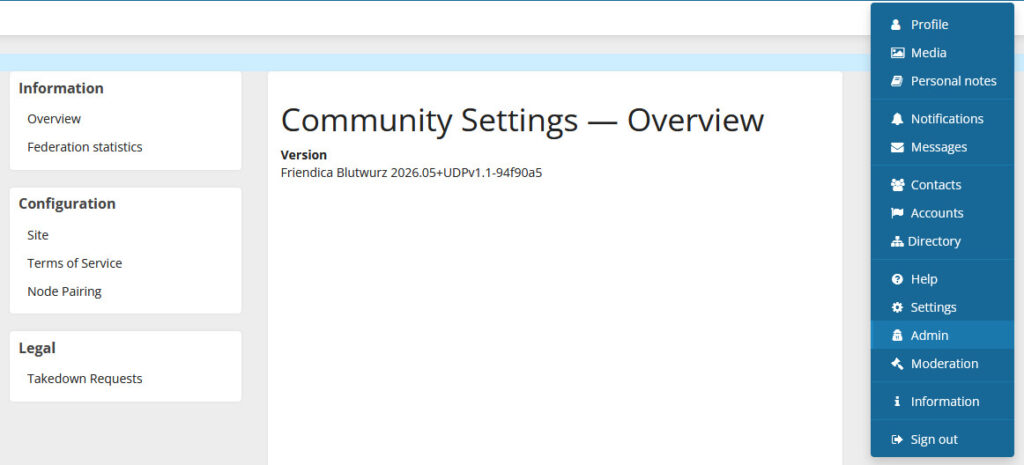
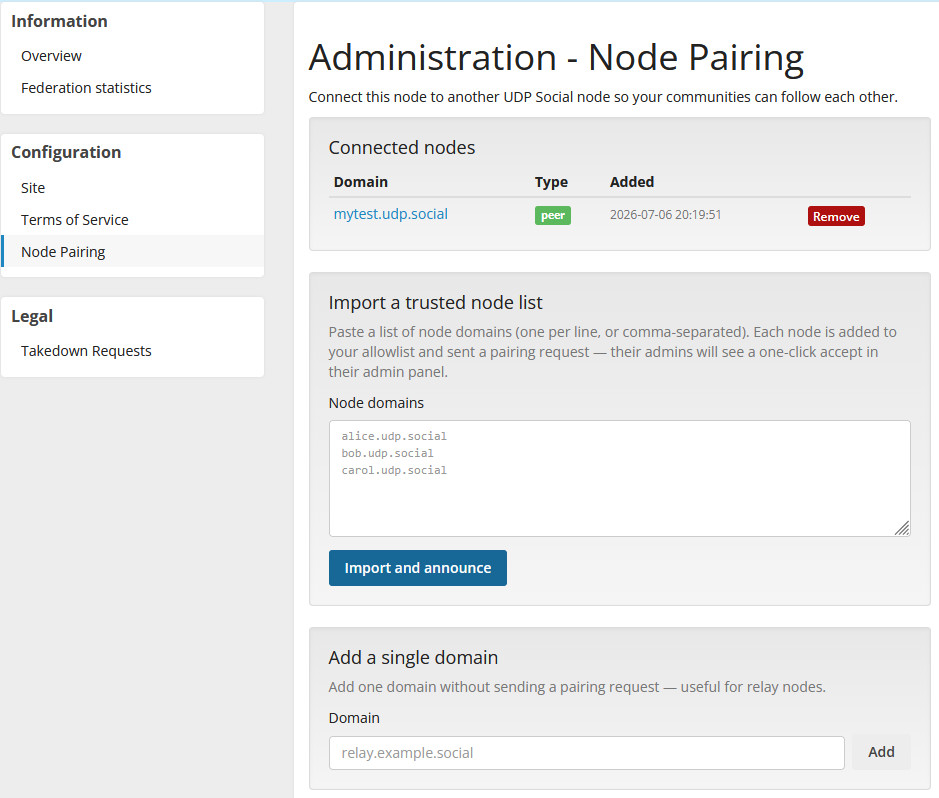
Start with Node Pairing. This is the most important setting on your node. Node Pairing controls
which other UDP nodes yours is connected to — your neighborhood. Out of the box, your node is
private: no one can find you or follow you from outside unless you’ve established a pairing. If
you’re setting this up for a family or a small group, this is where you connect to the nodes of the
people you want to stay in touch with.
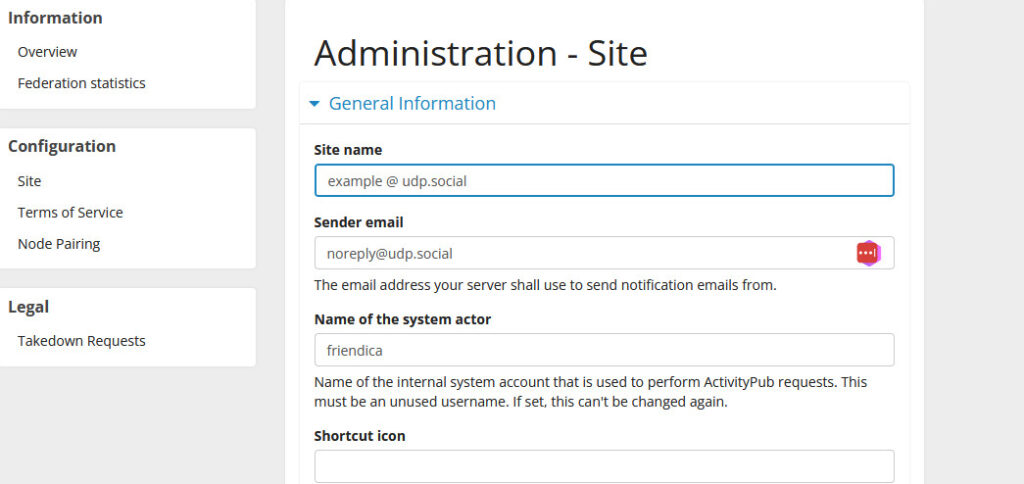
Give your node a name. Under Site, you can set a name and a short description for your node. This is
what people see when they visit your profile from another node. “Pat’s Place” is fine. So is your
actual name, or the name of your family or group.
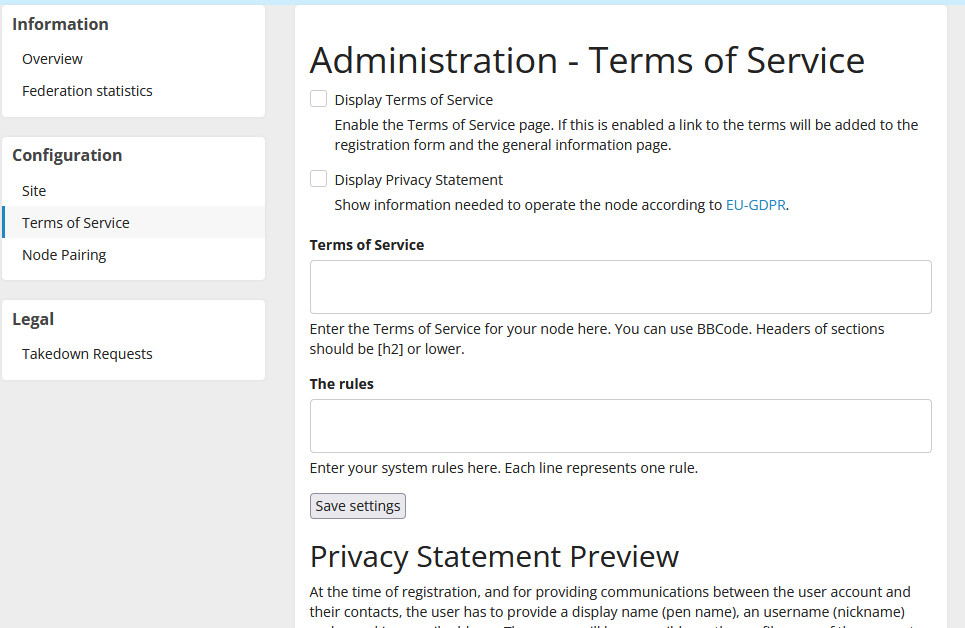
Set your Terms of Service. This is a short statement about how you run your node — what’s welcome,
what isn’t. If it’s just you and close family, a single sentence is enough. It matters because UDP
is a federated network: your terms travel with your node’s identity. We provide a template for you out of the box, but you are able to make changes if desired.
Takedown Requests is there if you ever need it. If someone reports content on your node to UDP
Social, this is where you’ll see it and respond. Most node owners will never use it.
That’s it for the admin panel. Everything else — your profile, your circles, who you follow — lives
on the user side, and we’ll cover that separately.